
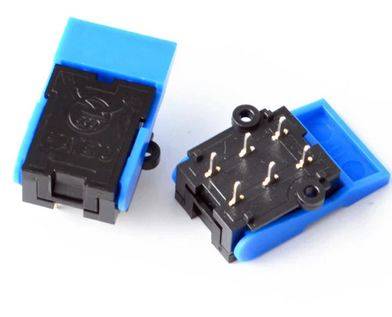
Telephone Hook Switch Reed
15.00 EGP
A telephone hook switch is the mechanism that detects when the handset is lifted or placed down, controlling the line’s on/off state. If your phone is malfunctioning (e.g., no dial tone, stuck in “off-hook” mode), you may need to reset or clean the hook switch.
Description
-
Steps to Reset/Clean the Hook Switch:
1. Power Off & Disconnect
-
Unplug the telephone from the wall jack.
-
Remove the battery if it’s a cordless model.
2. Inspect the Hook Switch
-
Locate the small plastic lever or button inside the cradle (where the handset rests).
-
Check for dust, debris, or physical damage.
3. Clean the Switch
-
Use compressed air to blow out dust.
-
Gently clean the contacts with a cotton swab dipped in isopropyl alcohol.
-
Press the switch repeatedly to loosen stuck mechanisms.
4. Test & Reassemble
-
Reconnect the phone and check if the dial tone returns.
-
If the issue persists, the switch may need replacement.
Common Hook Switch Problems:
🔹 No Dial Tone → Switch stuck in “off-hook” position.
🔹 Line Always Busy → Switch not engaging when handset is down.
🔹 Crackling Noise → Dirty or corroded contacts. -
Related products
-
- Out of Stock
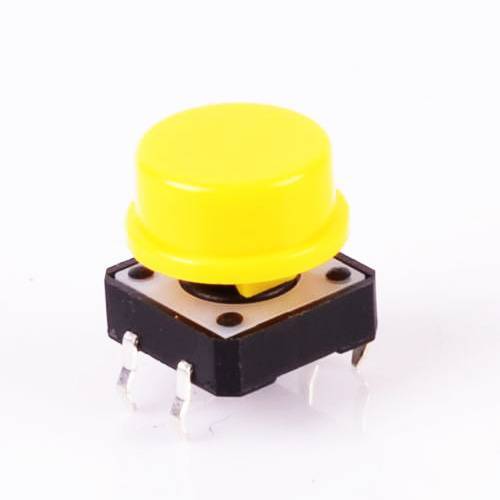
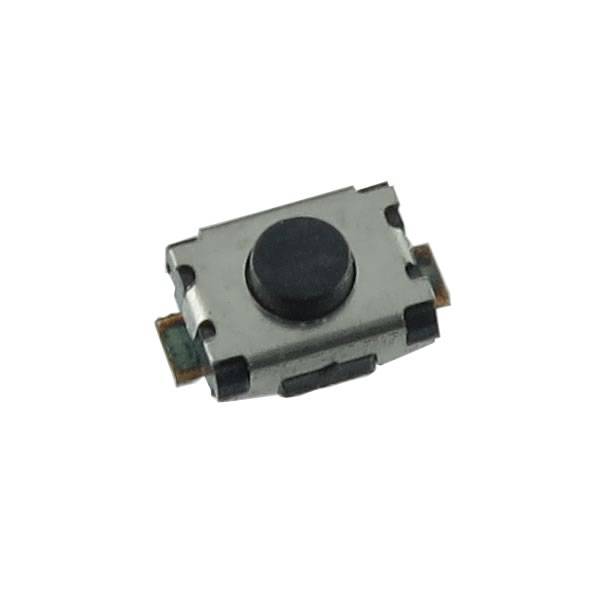
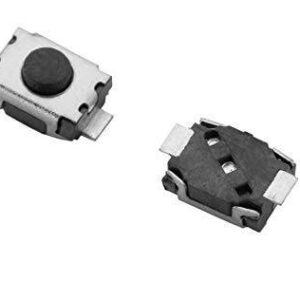
- Push Button
Micro Tactile Switch SMD 2 Pin Push Button
- 2.50 EGP
- Read more
-


Reviews
There are no reviews yet.