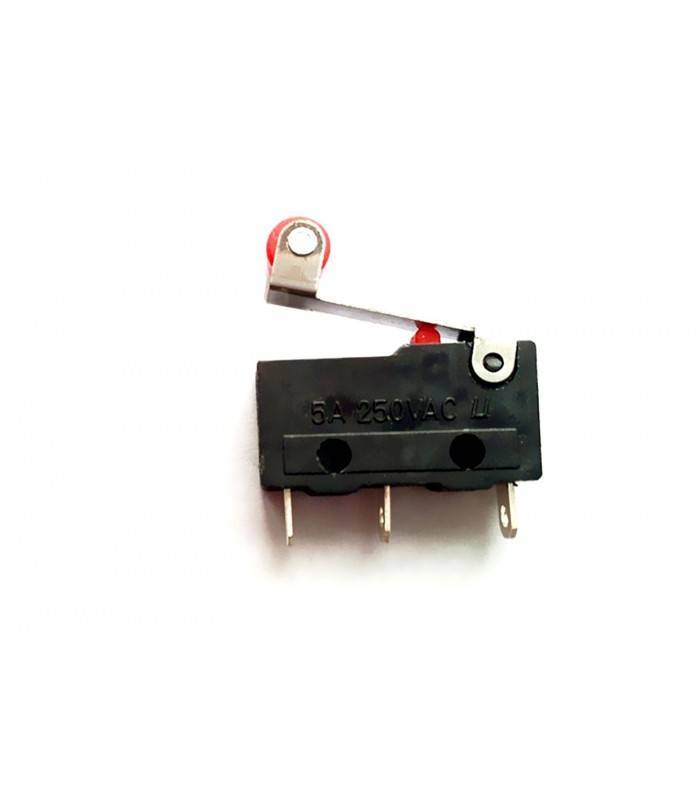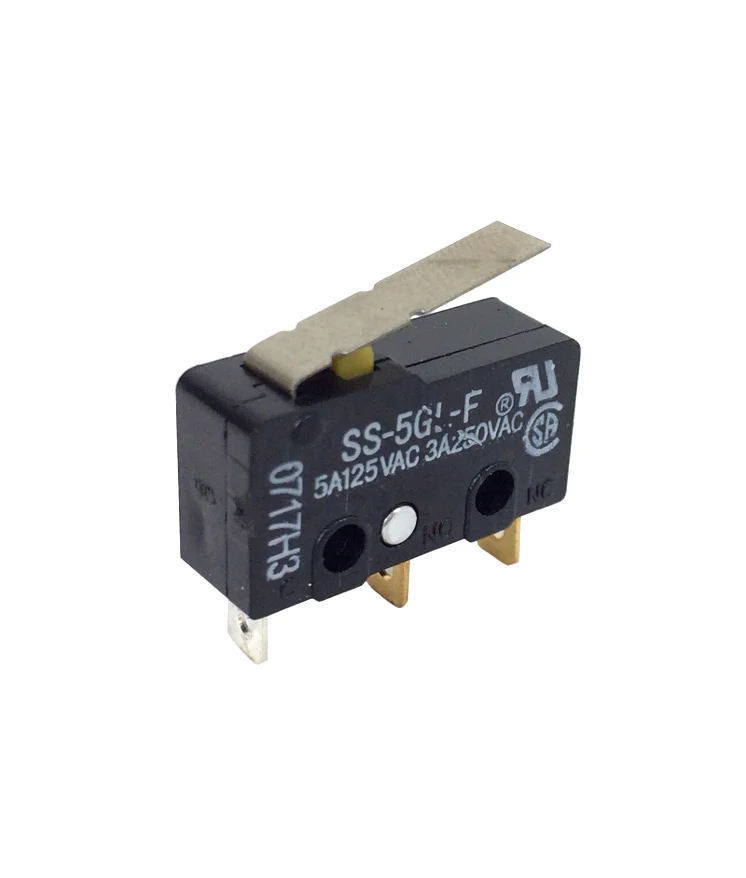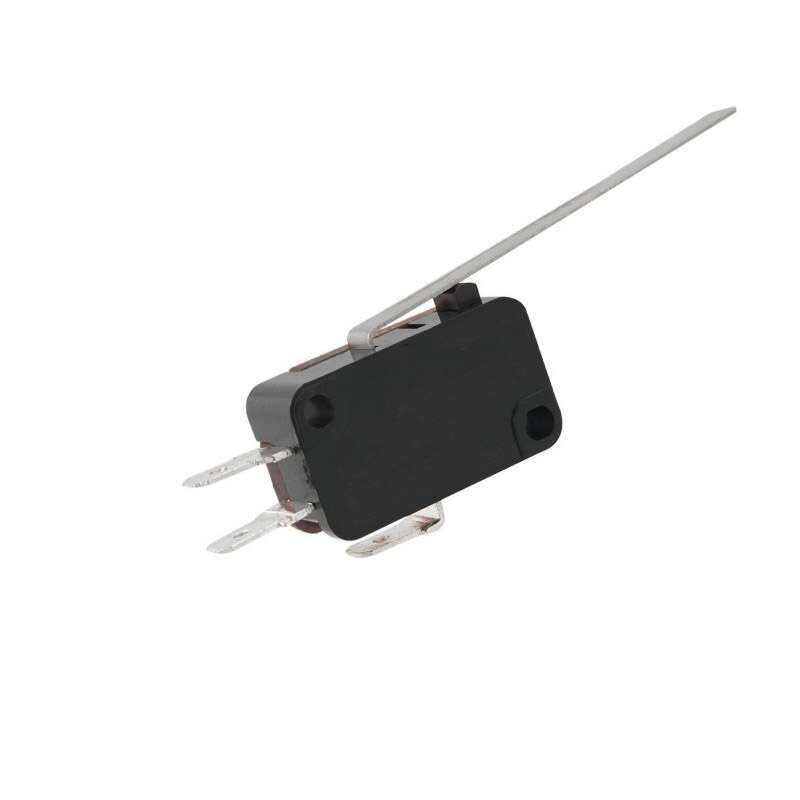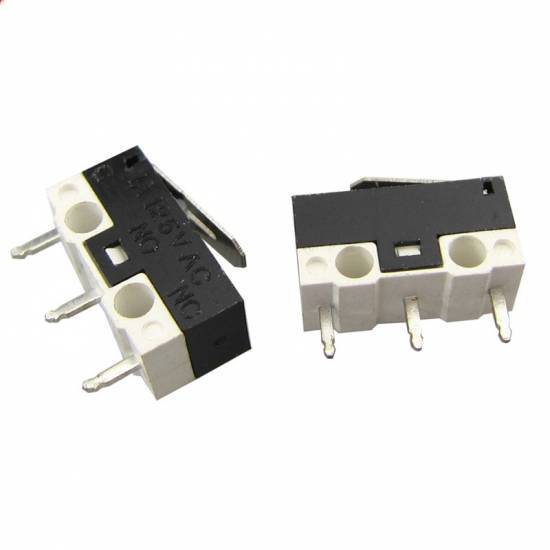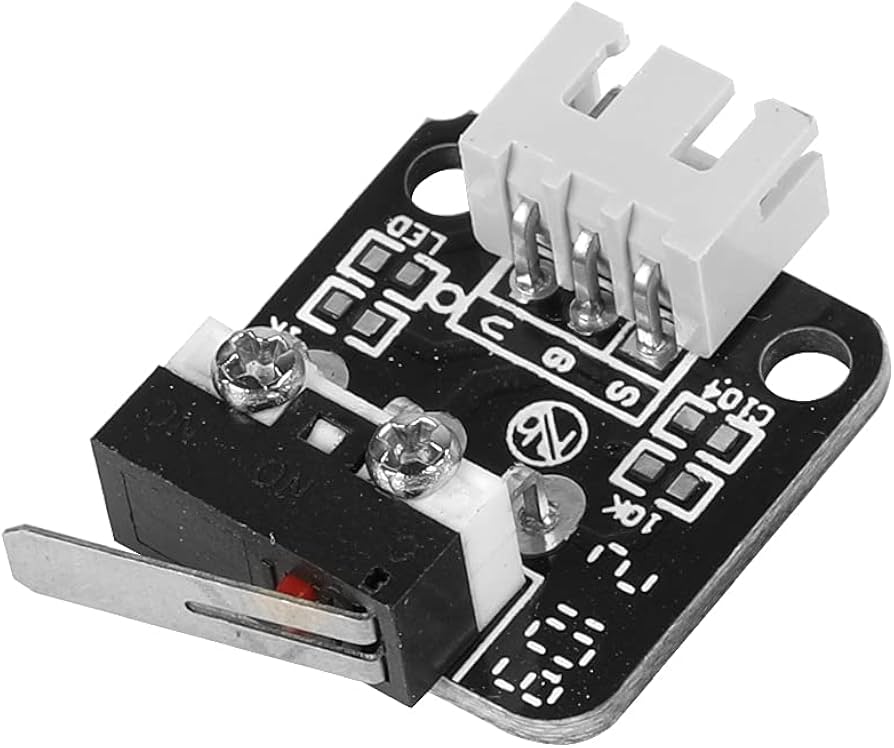
Creality Ender-3/PRO Endstop Switch Module
In Stock
0 available
Categories: Limit Switch
Overview
Description
-
🔑 Key Features
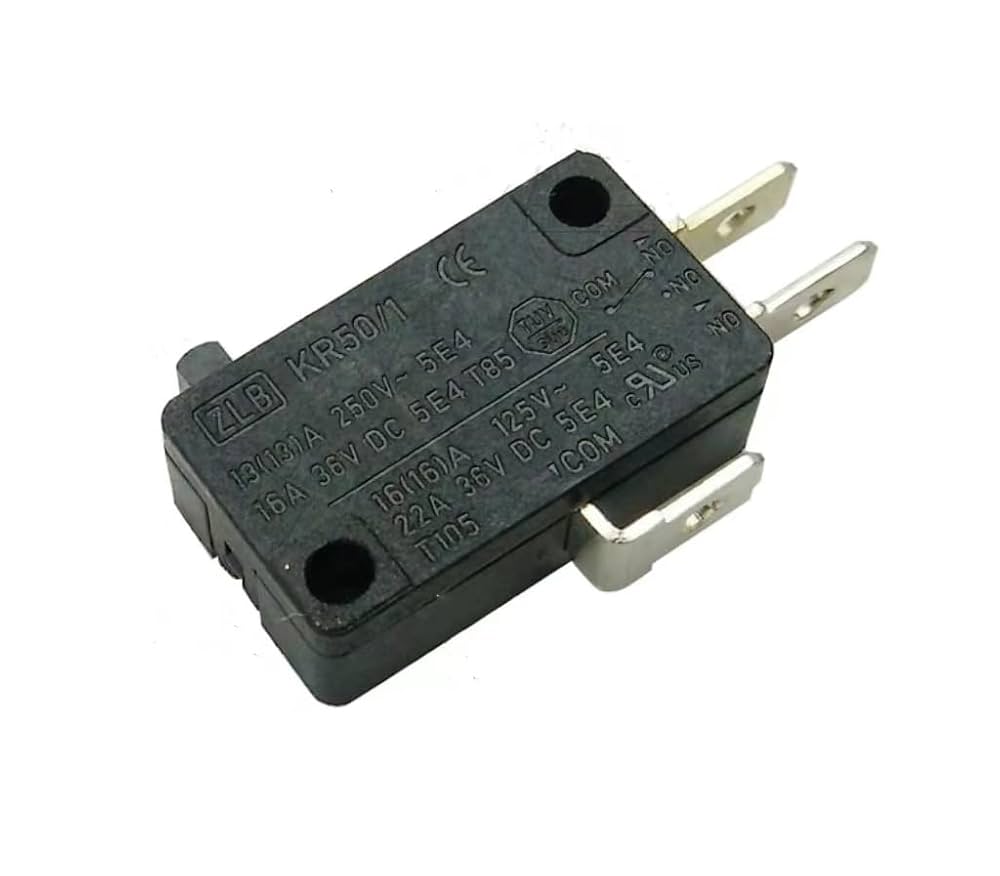
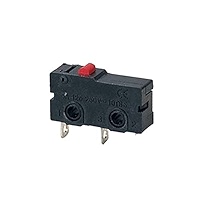
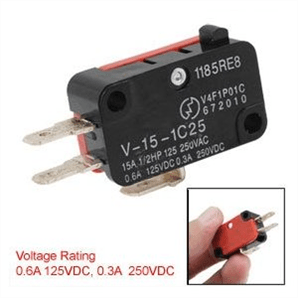
✅ Mechanical Limit Switch – Reliable physical contact-based triggering. ✅ 3-Pin Connector (VCC, GND, Signal) – Plug-and-play with Creality motherboards. ✅ Normally Open (NO) Contact – Triggers when pressed (low signal). ✅ Long Lifespan – Rated for 100,000+ cycles. ✅ Easy Installation – Mounts with M3 screws (included). ✅ Compatible with Marlin & Klipper Firmware.
📊 Technical Specifications
-
Type: Mechanical Microswitch (SPST – Normally Open).
-
Operating Voltage: 5V (Standard for 3D printer logic).
-
Current Rating: 0.1A @ 125V AC / 1A @ 30V DC.
-
Trigger Force: ~160gf (light actuation).
-
Connector: 3-Pin JST (or Dupont-style, depending on model).
-
Mounting: M3 screw holes (fits Creality Ender-3 brackets).
-
Dimensions: ~19mm × 10mm × 6mm (switch only).
🔧 Installation & Wiring
-
Mount the Switch: Secure to the X/Y/Z-axis endstop position using M3 screws.
-
Connect to Motherboard:
-
Signal (S) → Endstop pin on board (e.g.,
X-STOP). -
VCC (+5V) → 5V power pin.
-
GND → Ground pin.
-
-
Test Homing: Use LCD menu → Auto Home to verify triggering.
⚠ Troubleshooting Tips:
-
If the printer doesn’t stop, check for loose wiring or faulty switch.
-
If false triggering, ensure the lever isn’t bent or obstructed.
🛠 Applications
-
X/Y/Z-axis homing in Creality Ender-3, CR-10, and similar printers.
-
Replacement for worn-out endstops (common after long-term use).
-
DIY CNC machines & robotics (as a limit switch).
📦 Package Includes
-
1× Mechanical Endstop Switch (3-pin).
⚡ Why Choose This Endstop?
✔ OEM-Compatible – Direct replacement for Creality printers. ✔ Durable & Reliable – No false triggers from dust/vibrations (unlike optical sensors). ✔ Budget-Friendly – Cost-effective solution for 3D printer maintenance.
-