


Rotary Encoder with Push Switch
Out of Stock
Categories: Encoder
Overview
Description
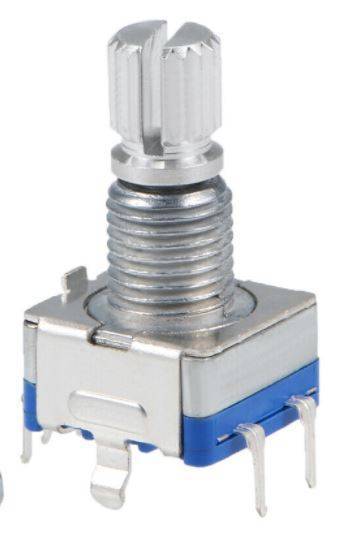
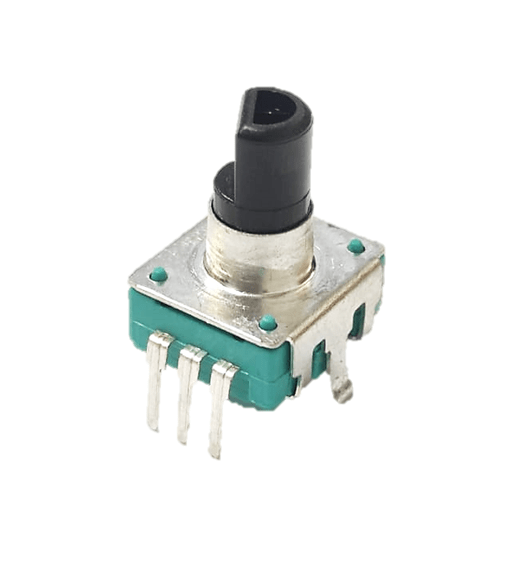
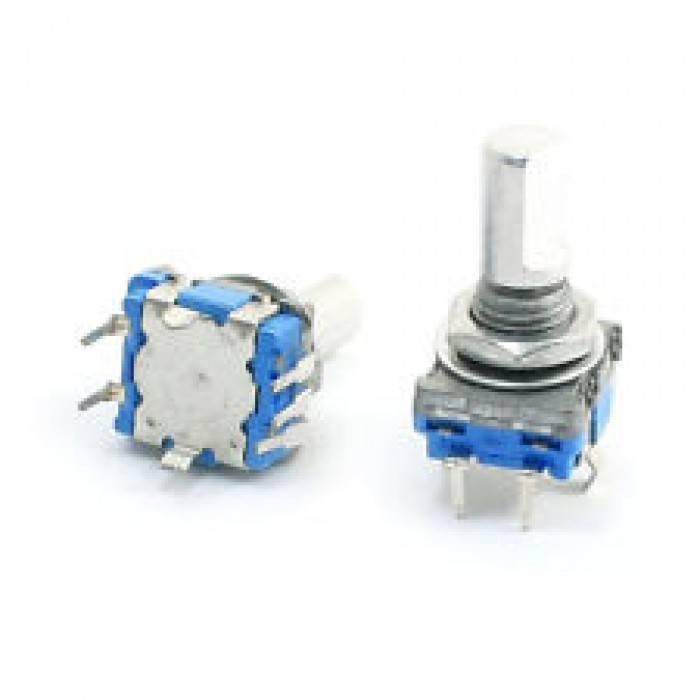
Rotary Encoder with Push Switch
The Rotary Encoder with Push Switch is a high-quality input device for precise rotation detection. It offers 360° rotary encoding with 20-24 pulses per revolution. This encoder is perfect for Arduino, Raspberry Pi, and ESP32 projects. It combines a rotary encoder and a tactile push button in one compact unit.
This Rotary Encoder with Push Switch detects direction and speed using quadrature output signals. The built-in push button adds extra input options. It is mechanically durable, lasting over 50,000 rotations. Easy to integrate, it works with most microcontrollers and digital circuits. The Rotary Encoder with Push Switch provides smooth and accurate feedback. It helps you control settings with a simple twist or click. You can adjust volume, scroll menus, or select options. The encoder works in both clockwise and counterclockwise directions. Each rotation gives clear pulses for precise tracking. The push switch offers a satisfying click for confirmation. This makes the Rotary Encoder with Push Switch ideal for interactive projects. It reduces wiring complexity by combining two functions. You save space on your breadboard or PCB. The encoder operates on low power, perfect for battery devices. It is built to last through many cycles. The metal shaft adds extra durability for frequent use. You can mount it securely in panels or enclosures. The Rotary Encoder with Push Switch is a reliable choice for any build.
Key Features
- 360° rotary encoding with 20-24 pulses per revolution for high precision
- Built-in push button with tactile feedback for additional input options
- Quadrature output signals (A/B channels) for accurate direction and speed detection
- Mechanical durability rated for over 50,000 rotation cycles
- Easy integration with Arduino, Raspberry Pi, ESP32, and other microcontrollers
- Compact design with a sturdy metal shaft for panel mounting
Use Cases
This Rotary Encoder with Push Switch is perfect for many projects. Hobbyists use it for volume controls in audio gear. Engineers add it to menu navigation systems. It works great for robotic arm control and motor speed adjustment. Digital potentiometers and user interfaces benefit from its precision. Students use it in Arduino labs for learning input devices. Makers build custom controllers for gaming or automation. The push switch allows for selection and confirmation. This makes the Rotary Encoder with Push Switch versatile for any interactive design. It suits both beginners and professionals. You can use it in home automation, CNC machines, or 3D printers. The encoder handles repetitive tasks without wear. It is a reliable component for long-term projects.
Upgrade your project with the Rotary Encoder with Push Switch today. Enjoy reliable performance and easy setup. Order now from Electra Store and get fast shipping. This Rotary Encoder with Push Switch will enhance your next build. Click to buy and start creating right away.
Frequently Bought Together
Related Products
Rotary Encoder with Push Switch
60.00 EGP