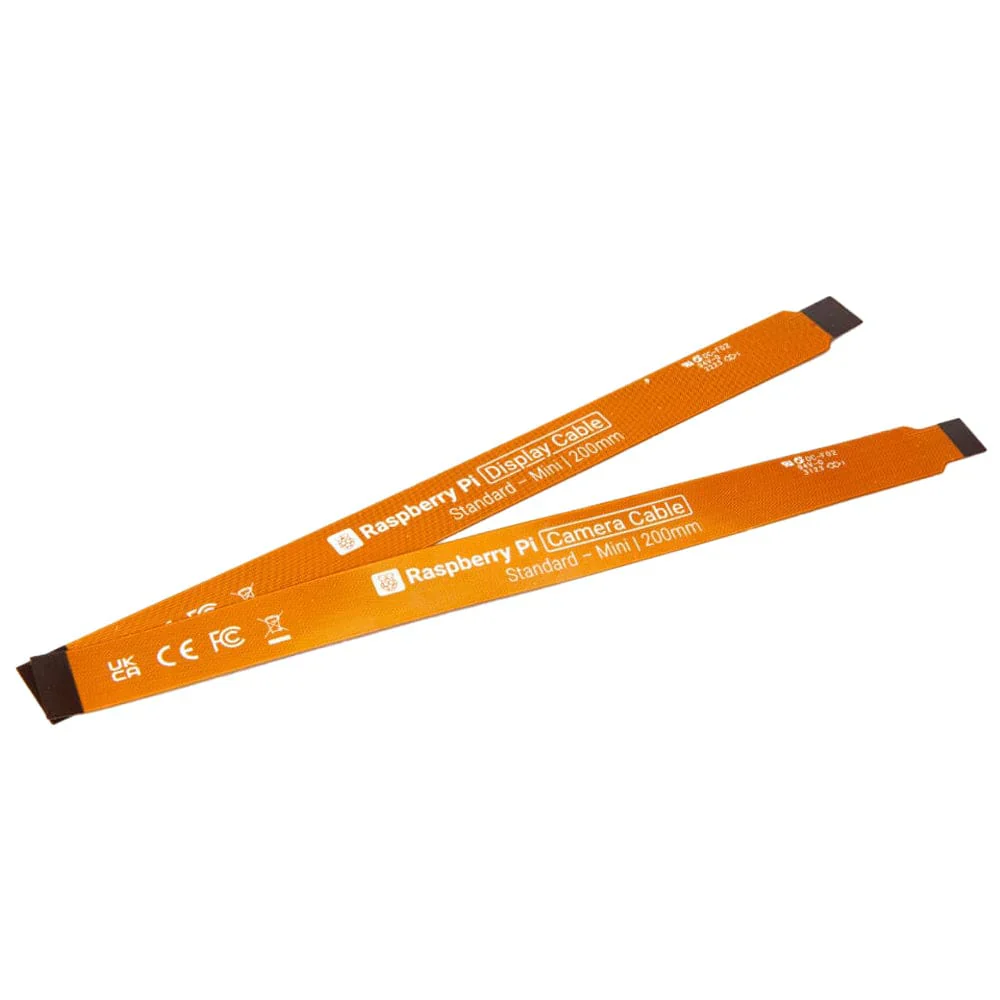
Raspberry Pi 5 FPC Display Cable – 22-Pin 0.5mm to 15-Pin 1mm Adapter
Out of Stock
Categories: Raspberry Pi Accessories
Overview
Description
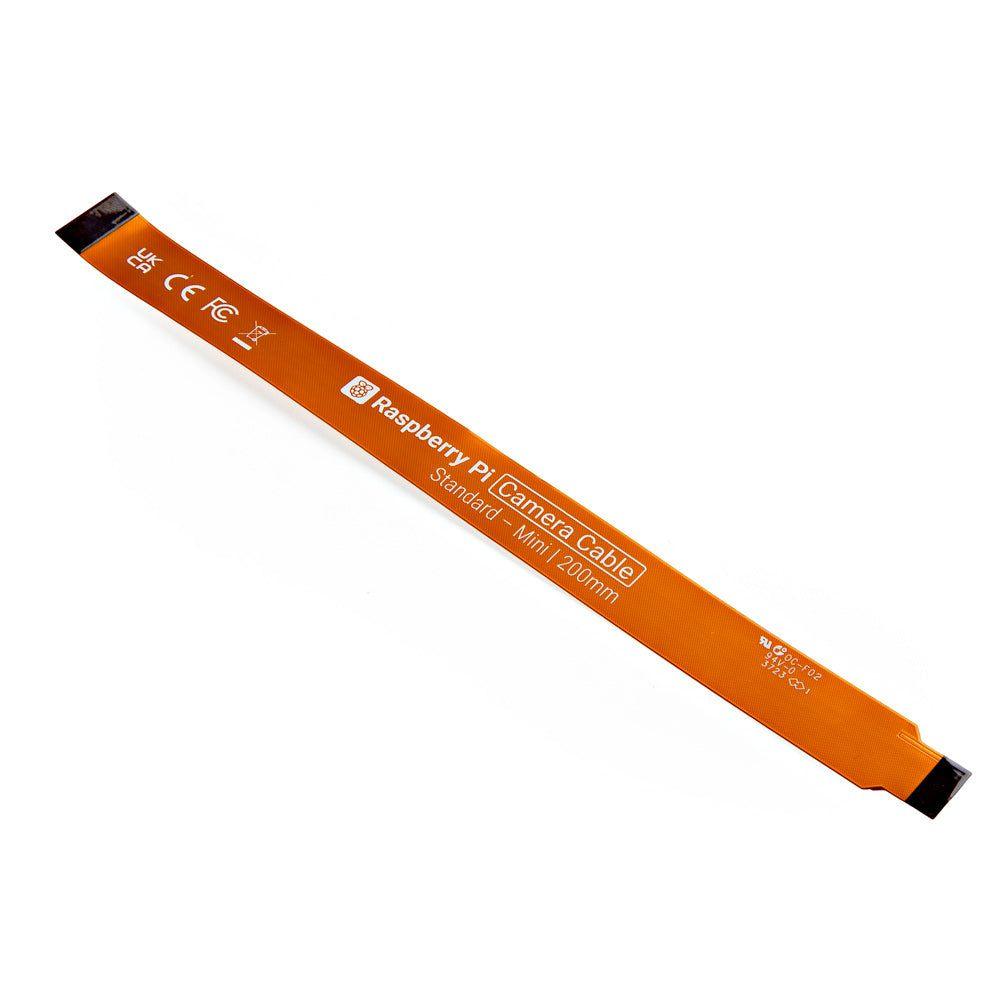
Raspberry Pi 5 FPC Display Cable – 22-Pin 0.5mm to 15-Pin 1mm Adapter
🔑 Key Features
✅ Raspberry Pi 5 Compatible – Directly connects to the 22-pin DSI port (0.5mm pitch) ✅ Converts to Standard 15-Pin DSI – Works with official 7" touchscreen and third-party LCDs ✅ High-Signal Integrity – Shielded to reduce EMI interference ✅ Flexible & Durable – 30cm length for easy routing in enclosures ✅ Plug-and-Play – No drivers needed (supports Raspberry Pi OS display config)
📊 Technical Specifications
| Parameter | Details |
|---|---|
| Pi 5 Connector | 22-pin, 0.5mm pitch FPC |
| Display Connector | 15-pin, 1.0mm pitch FPC |
| Cable Length | 30cm (12") |
| Signal Type | MIPI DSI (Display Serial Interface) |
| Compatibility | Raspberry Pi 5 only (not for Pi 4/3) |
| Supported Displays | Official 7" Touchscreen, Waveshare DSI LCDs |
🚀 Why Use This Cable?
-
Replaces Bulkier HDMI – Ideal for slim enclosures or embedded projects.
-
Touchscreen Support – Retains capacitive touch functionality.
-
Low Latency – Better for real-time dashboards than wireless solutions.
🔧 Installation Guide
-
Power off the Pi 5 and locate the 22-pin DSI port (near HDMI).
-
Insert the 0.5mm end into the Pi (gold contacts facing down).
-
Connect the 15-pin end to your display (match pin 1 markings).
-
Enable the display in
raspi-config(Display Options > DSI).
⚠ Note: Bend radius should be >5mm to avoid damaging FPC traces.
📦 Package Includes
-
1 × 22-pin to 15-pin FPC cable (30cm)
🖥️ Supported Displays
-
Raspberry Pi Official 7" Touchscreen
-
Waveshare 5.5" DSI LCD
-
Custom MIPI DSI panels (with 15-pin 1.0mm interface)
Customer Reviews
Based on 0 reviews
0
Verified Purchases
0
Reviews with Photos
0%
Would Recommend
Sign in to write a review
Sign InNo reviews yet
Be the first to review this product.